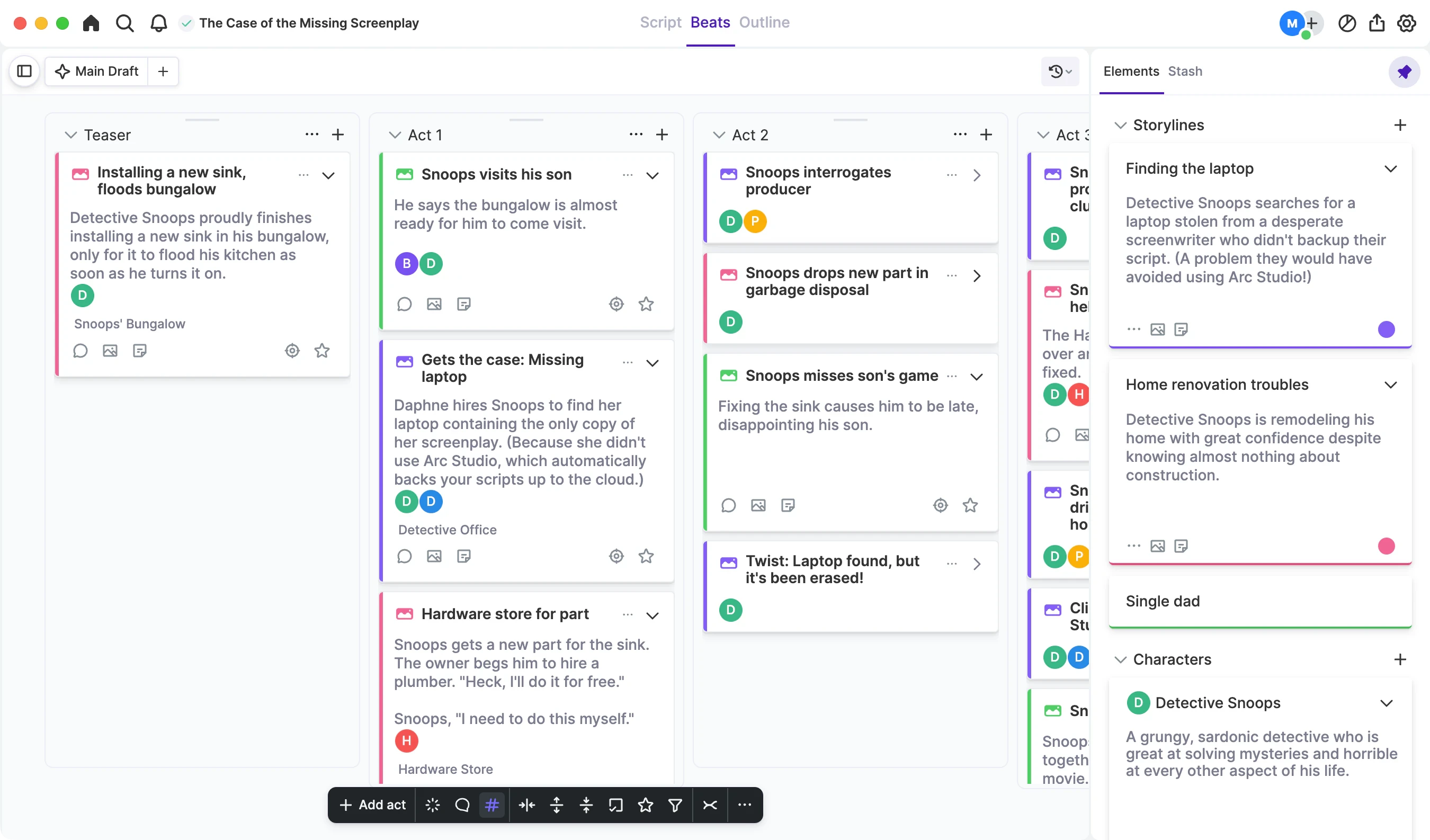
Hello, writer friends! We’re excited to announce a major redesign of Arc Studio. (Our excitement level is somewhere between “looking forward to taking your shoes off after a long day” and “mom just pulled into the driveway with the pizza.”) All the functions you love are still here, but we’ve made the app easier to navigate and added some great new functions. Let’s take a look at what’s changed:
The Title
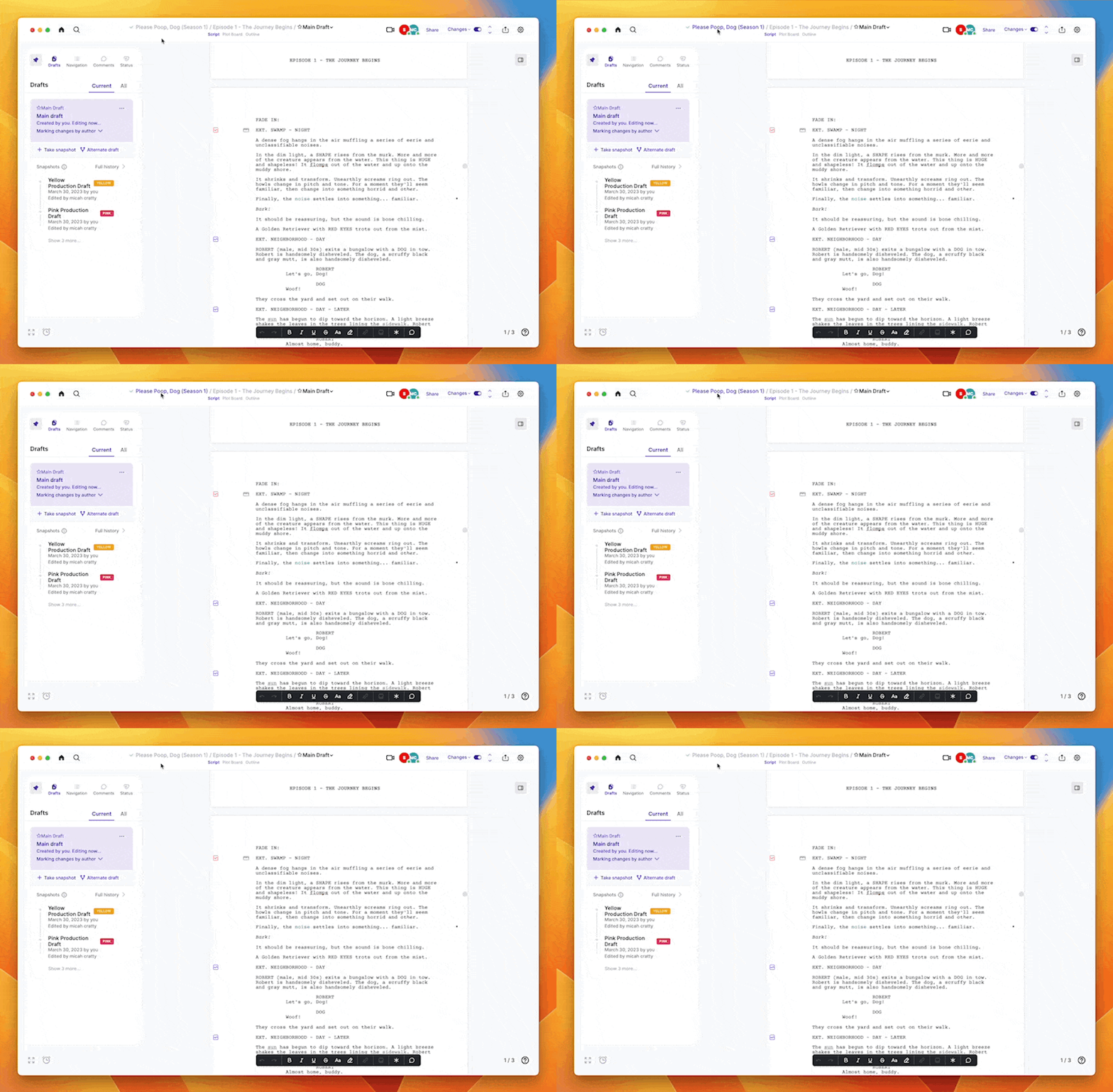
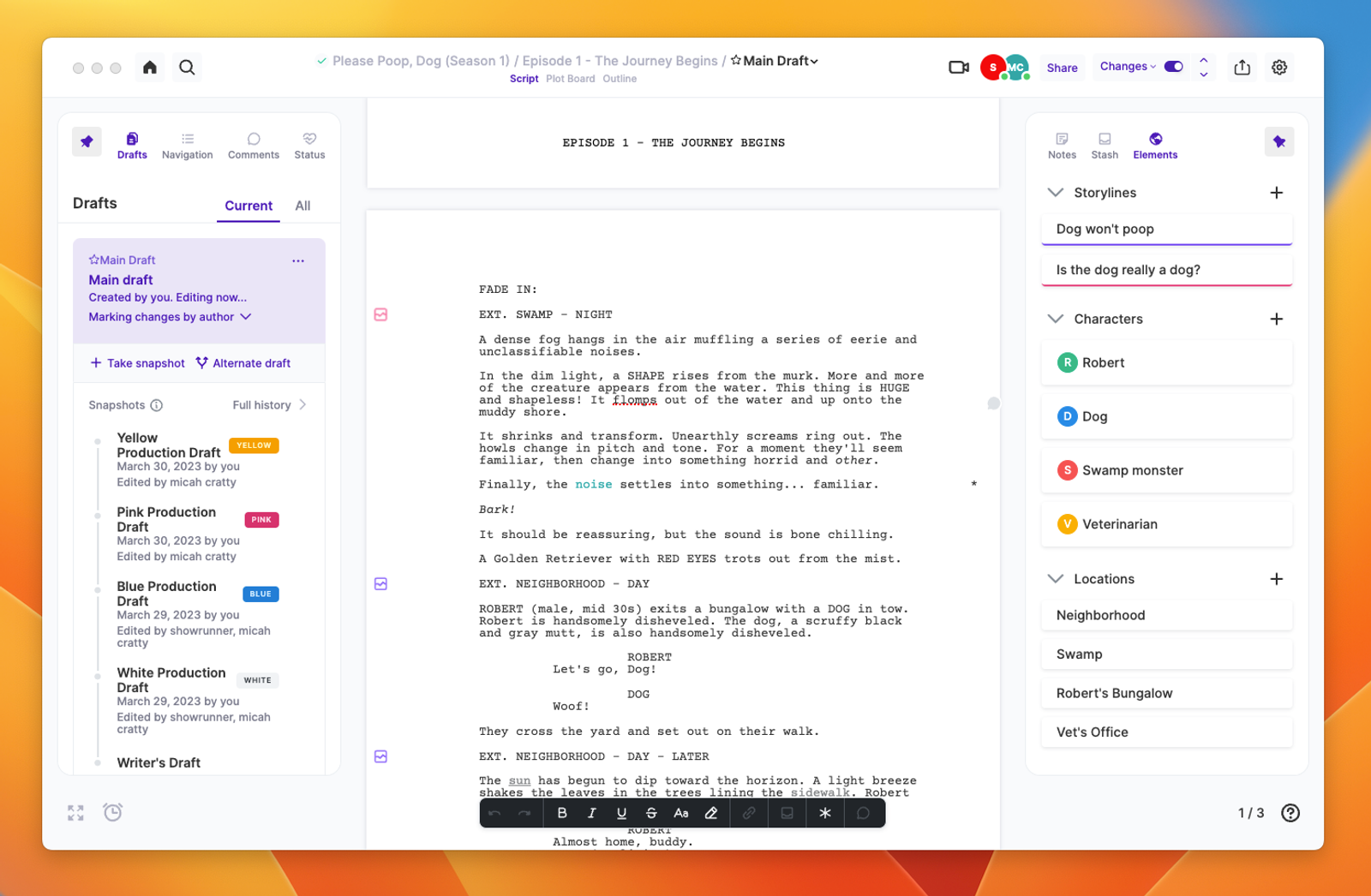
Your script title is now larger and centered in the middle of the top bar. We’ve added “breadcrumbs” so you can navigate to your Season Bible from your episode script by clicking on the Project Name.
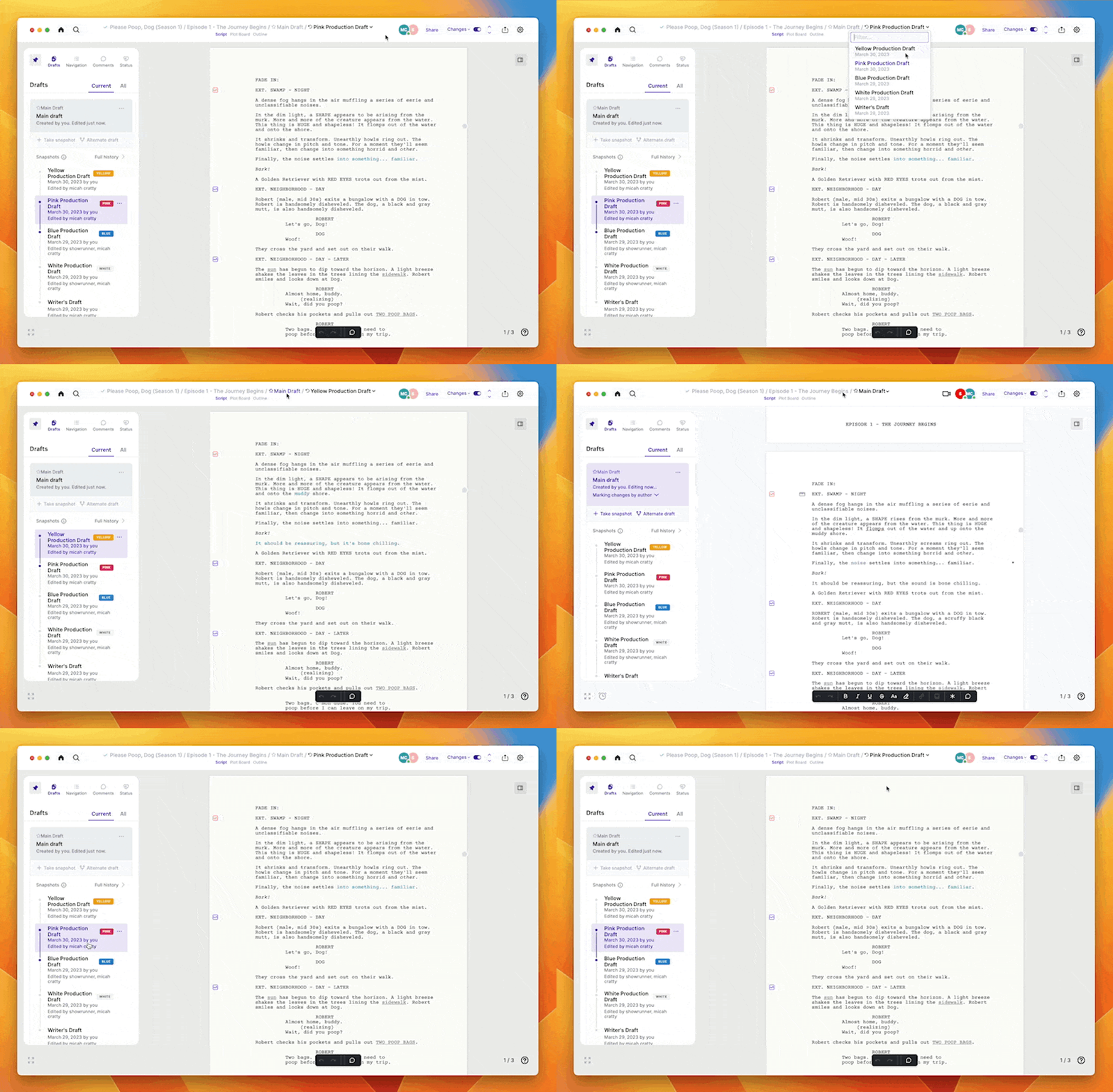
The breadcrumbs also tell you which draft you’re looking at, and you can navigate between the previous drafts of your script. Return to your current draft by clicking ‘Main Draft’.
Navigating around the document
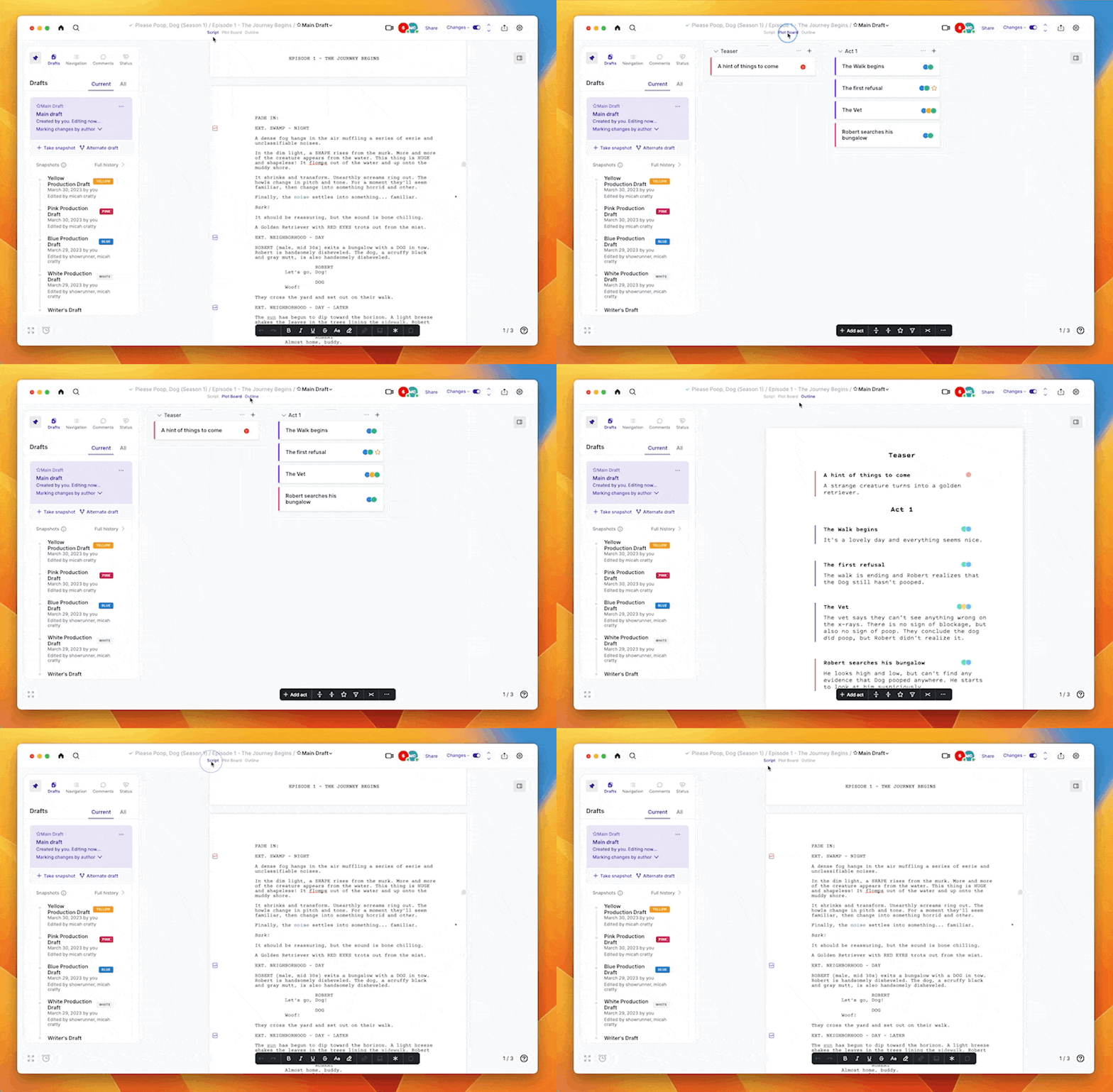
We’ve made it easier to navigate between your Script, the Plot Board, and your Outline (formerly “Treatment”). Just click on the words underneath the title in the center of the top bar, or use the keyboard shortcut ‘Option + Cmd + ➡️’ to toggle between the views.
The sidebars
The sidebars got an upgrade, and we added a second one on the right side of the window so you can have greater control of what you’re looking at while you work. The left sidebar contains your Drafts, Navigation, and Comments. The right sidebar contains your Stash and Story Elements.
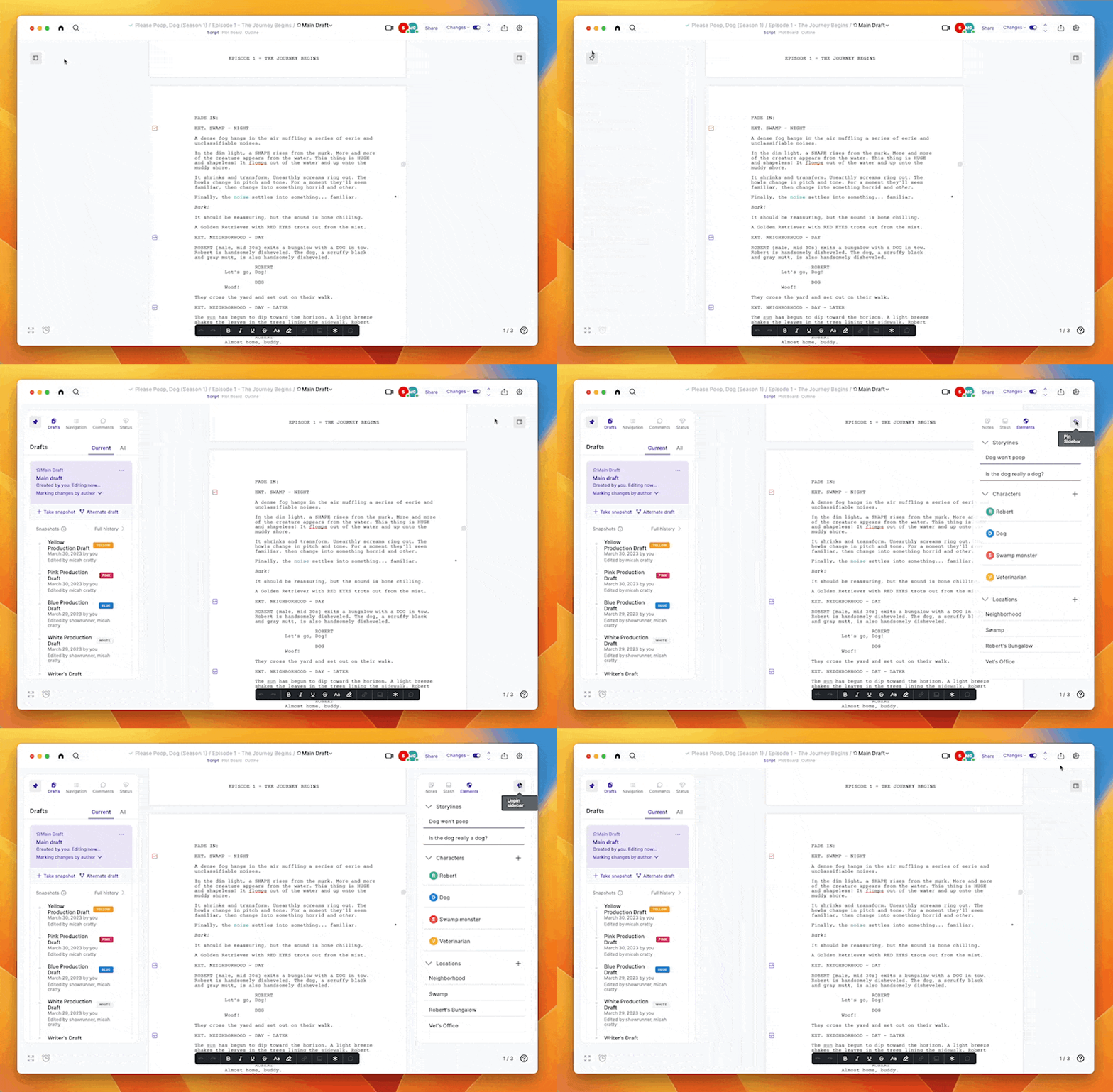
Open the sidebars by hovering your mouse over the trigger area. To keep the sidebar open, ‘pin’ them open by clicking on the thumbtack. ‘Unpin’ them to close them.
Collaborators
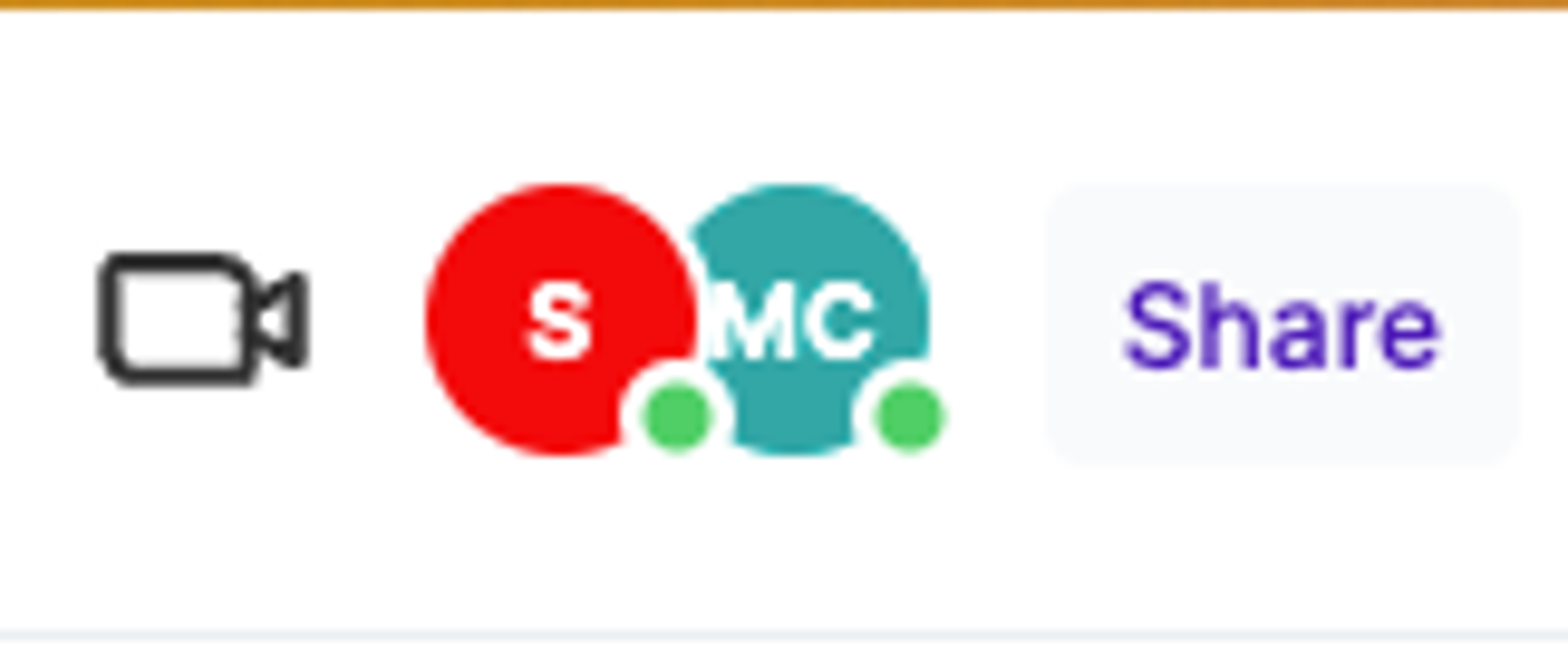
The avatars of everyone you’ve shared the script will show in the top bar. If they’re currently looking at the script, the avatar will show a green ‘live’ light on the bottom right.
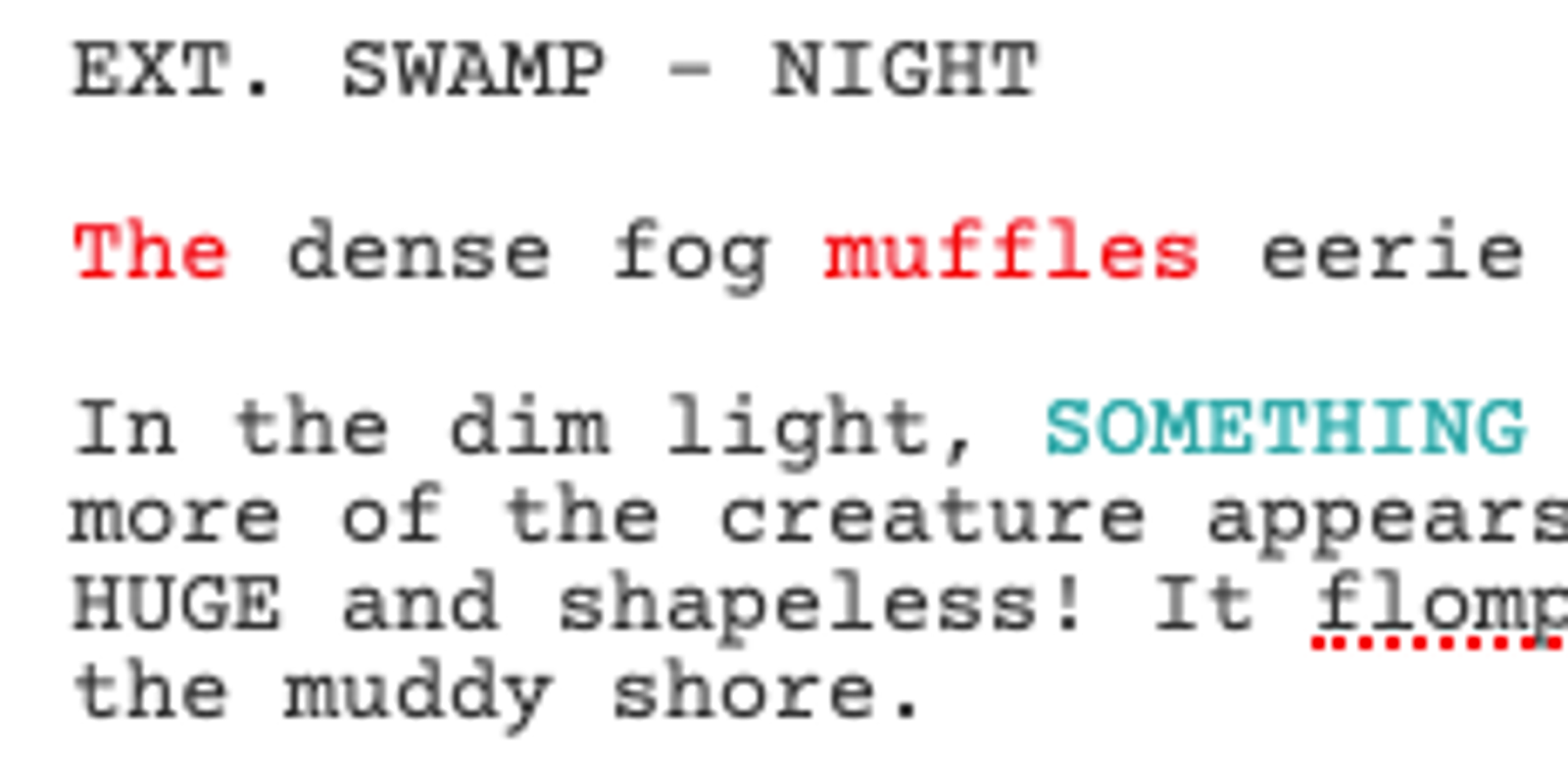
The color of the avatar corresponds to the color of the text written by that writer when you’re viewing your revisions “By author.” (The red text was written by the author with the red avatar.)
Improved change tracking menu
It’s easier to tell when you’re tracking changes and easier to turn them on and off.
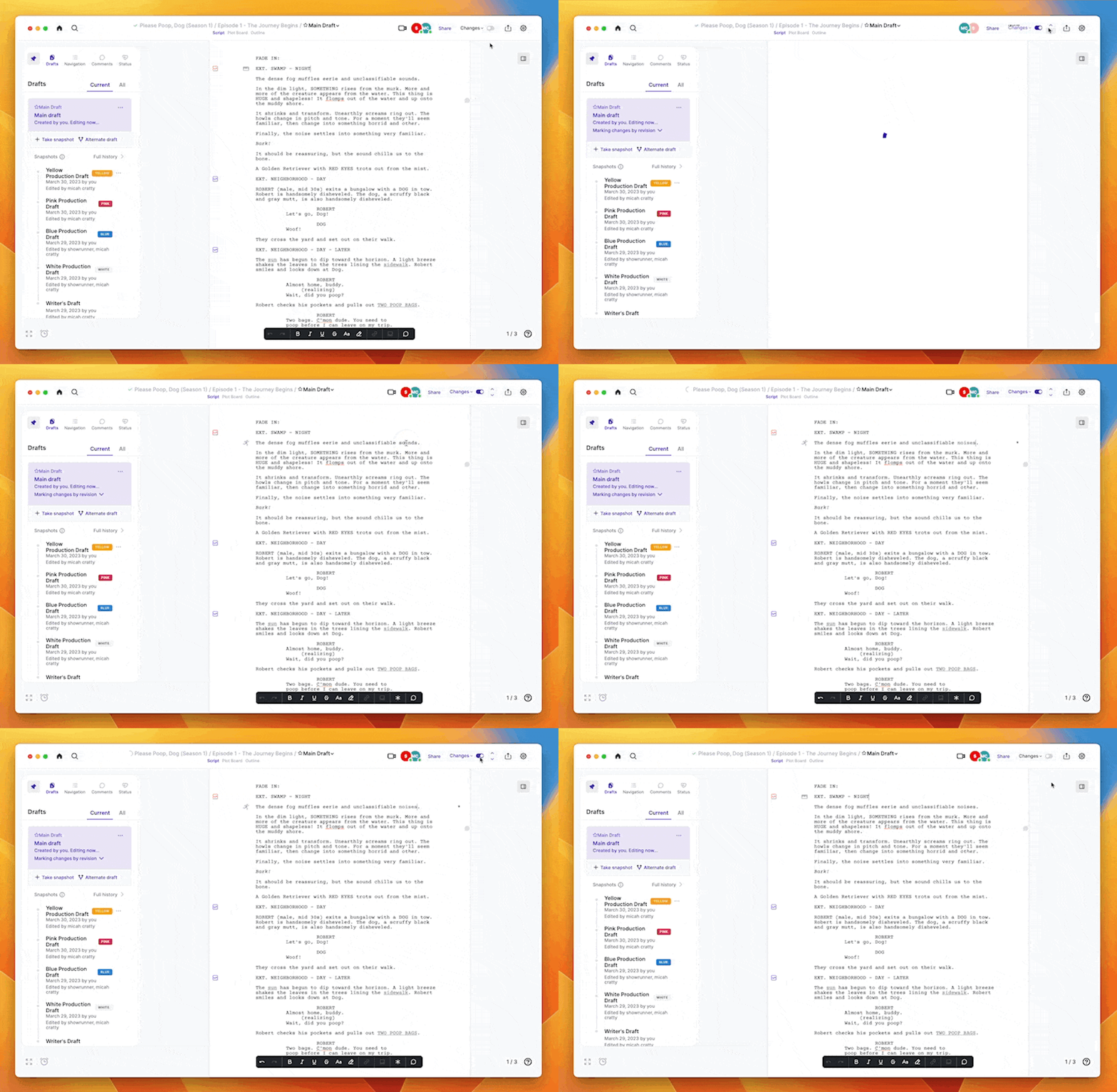
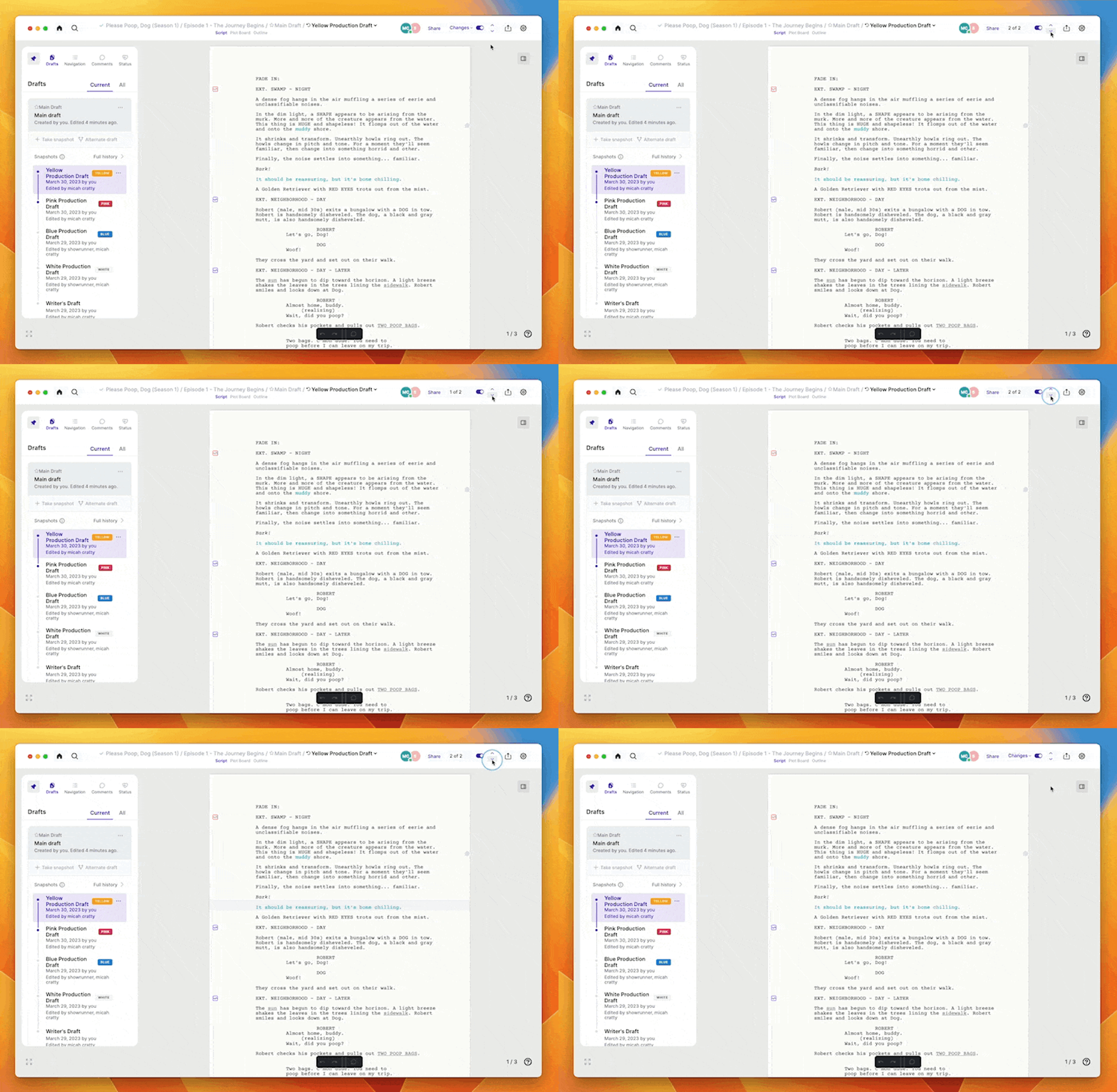
The change tracking menu also tells you how many changes are in the active revision, and the arrows let you cycle through them.
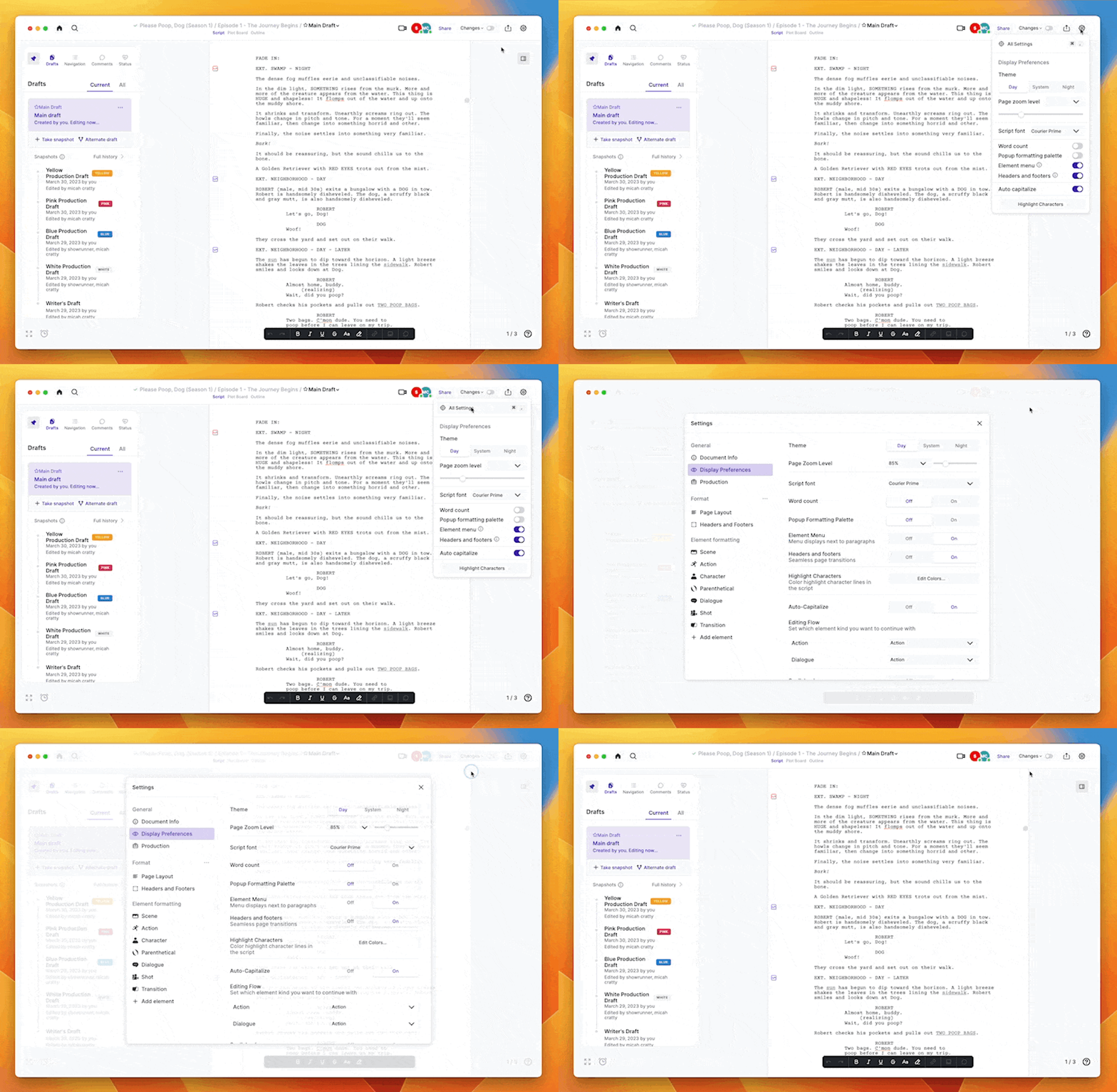
Unified settings
All your settings, including display preferences, are now accessible through the settings menu in the top bar.
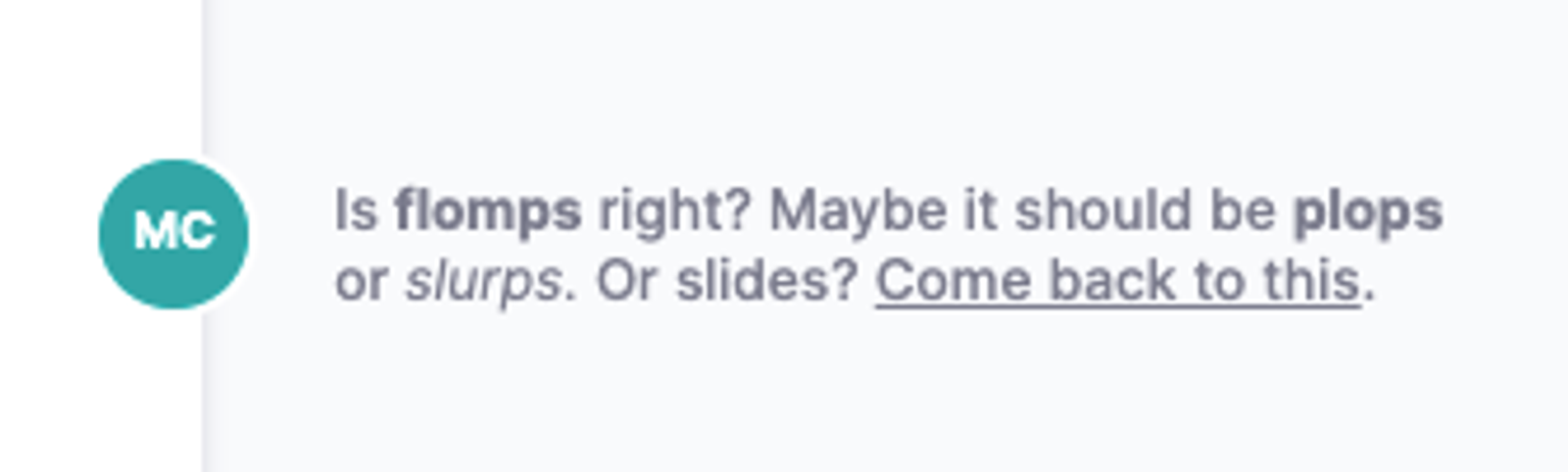
Better comments
You can bold, italicize, and underline words in your comments. You can also link to other websites.
The stash
Text can be edited while it’s in the Stash.
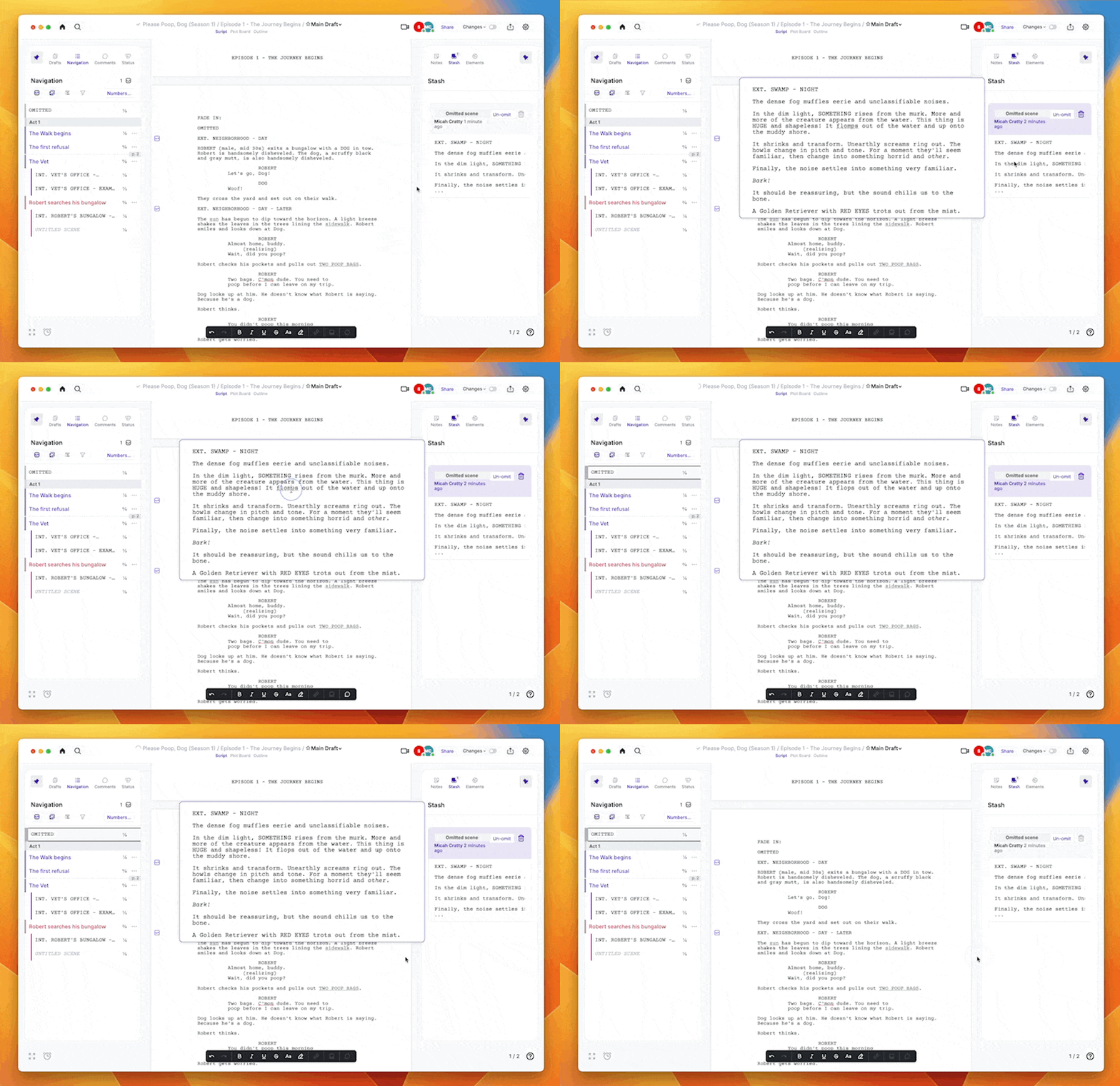
When you omit a scene, it goes into the Stash. You can then unomit the scene to return it to the script.
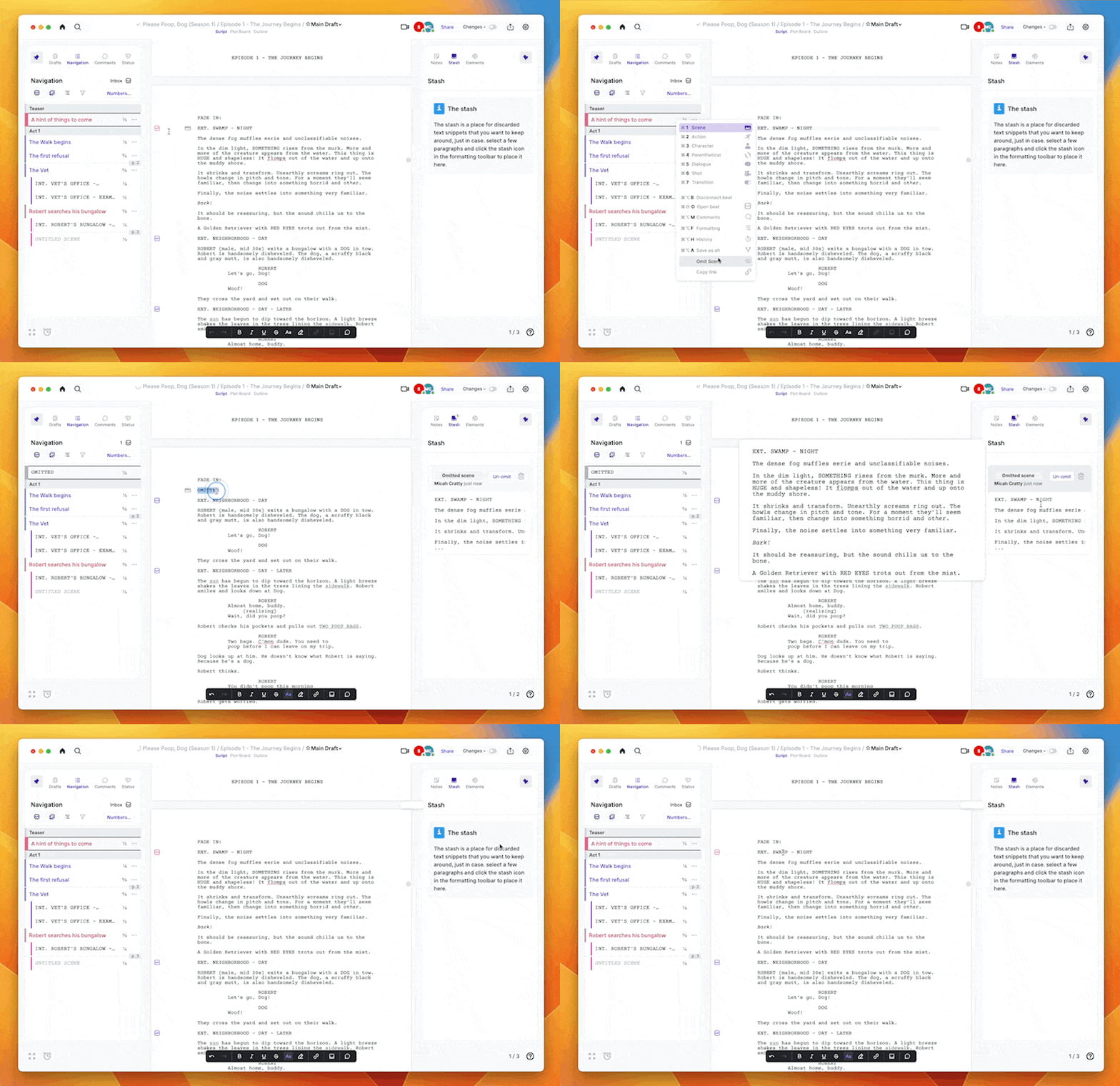
Plot Board changes
Both sidebars are accessible while you’re viewing the Plot Board (and the Outline). Your Story Elements have moved from the top bar to the right sidebar. The beat inbox has moved from the top bar to the Navigation sidebar on the left. You can still drag beats in and out of the Inbox and onto the Plot Board.
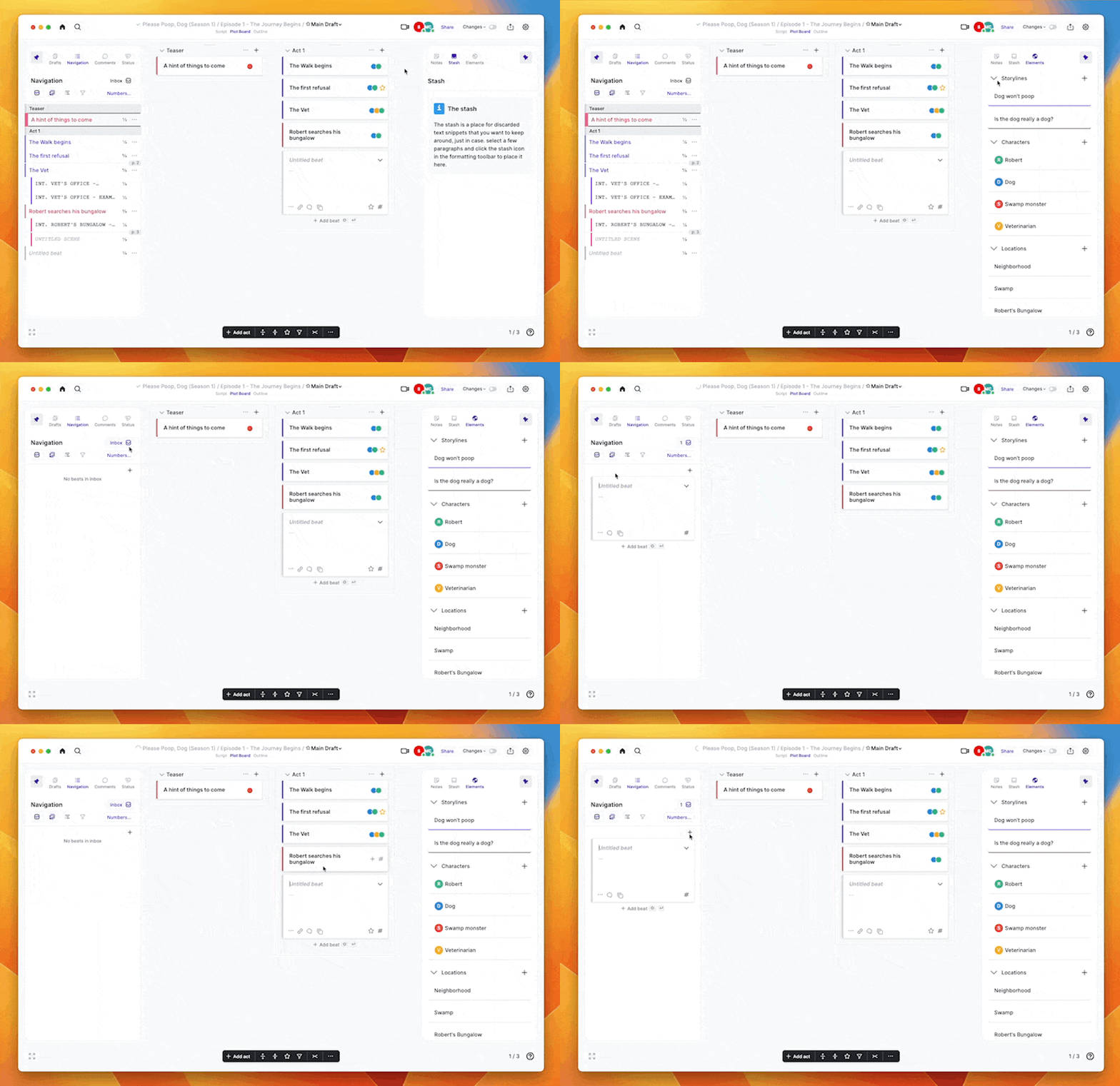
The Plot Board controls have moved to a palette bar at the bottom of the window.
Better search
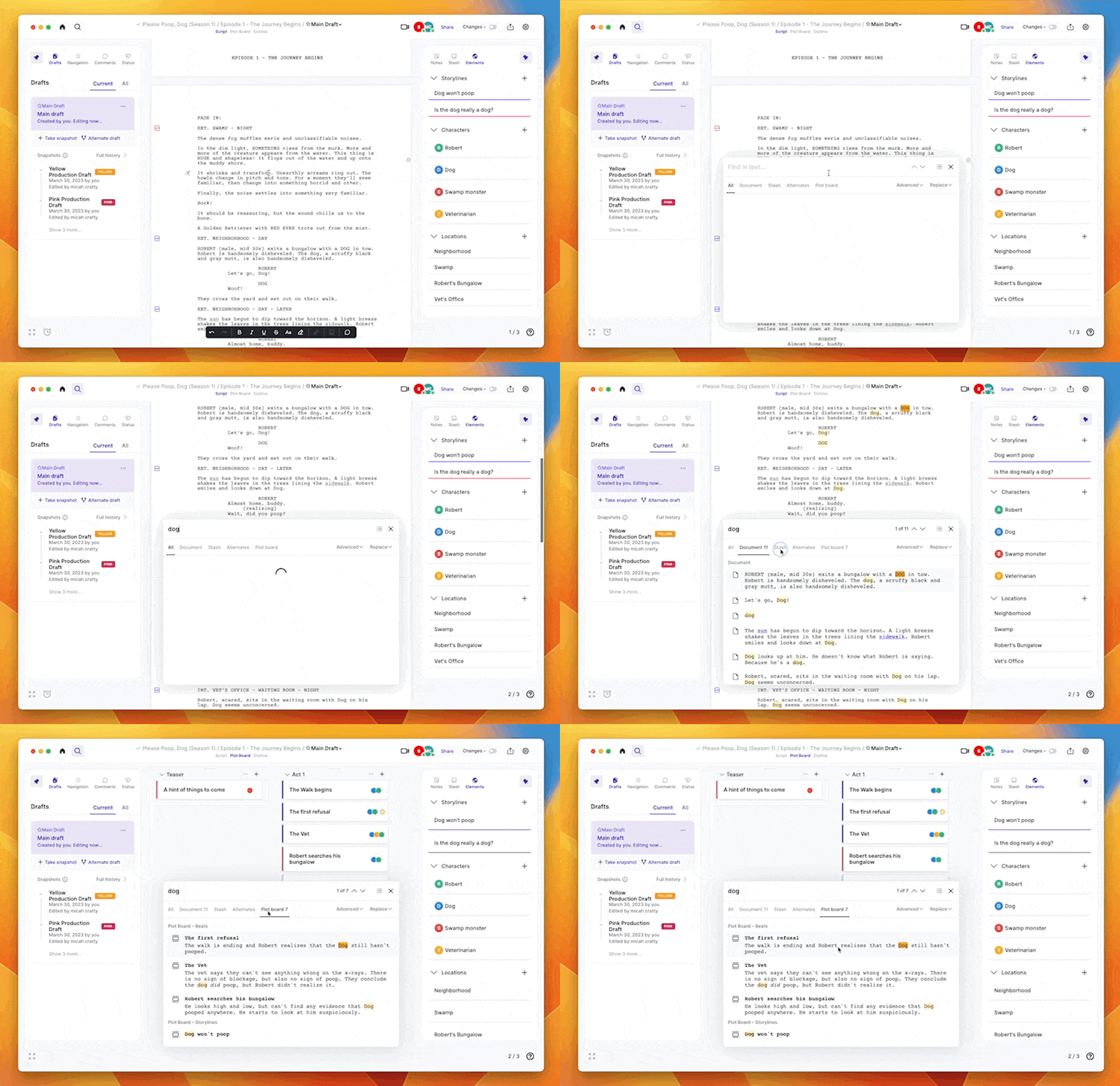
In addition to your script, you can also use ‘Cmd + F’ to search for text in your Stash, alternates, and Plot Board.
That’s it for now! We’ll be rolling out more updates soon.