Develop your idea into a story, and your story into a script
Arc Studio’s story development tools help you brainstorm, develop your characters and story, outline the plot, and write the script in one integrated process.
No credit card required
Built-in notes app
Brainstorm, organize your ideas, and world build
Arc Studio includes a built-in notes app so you can keep your ideas where they belong: with your script.
Notes templates
Story and character worksheets
Customizable templates let you create and import worksheets to develop your story and characters.
Visual outlining
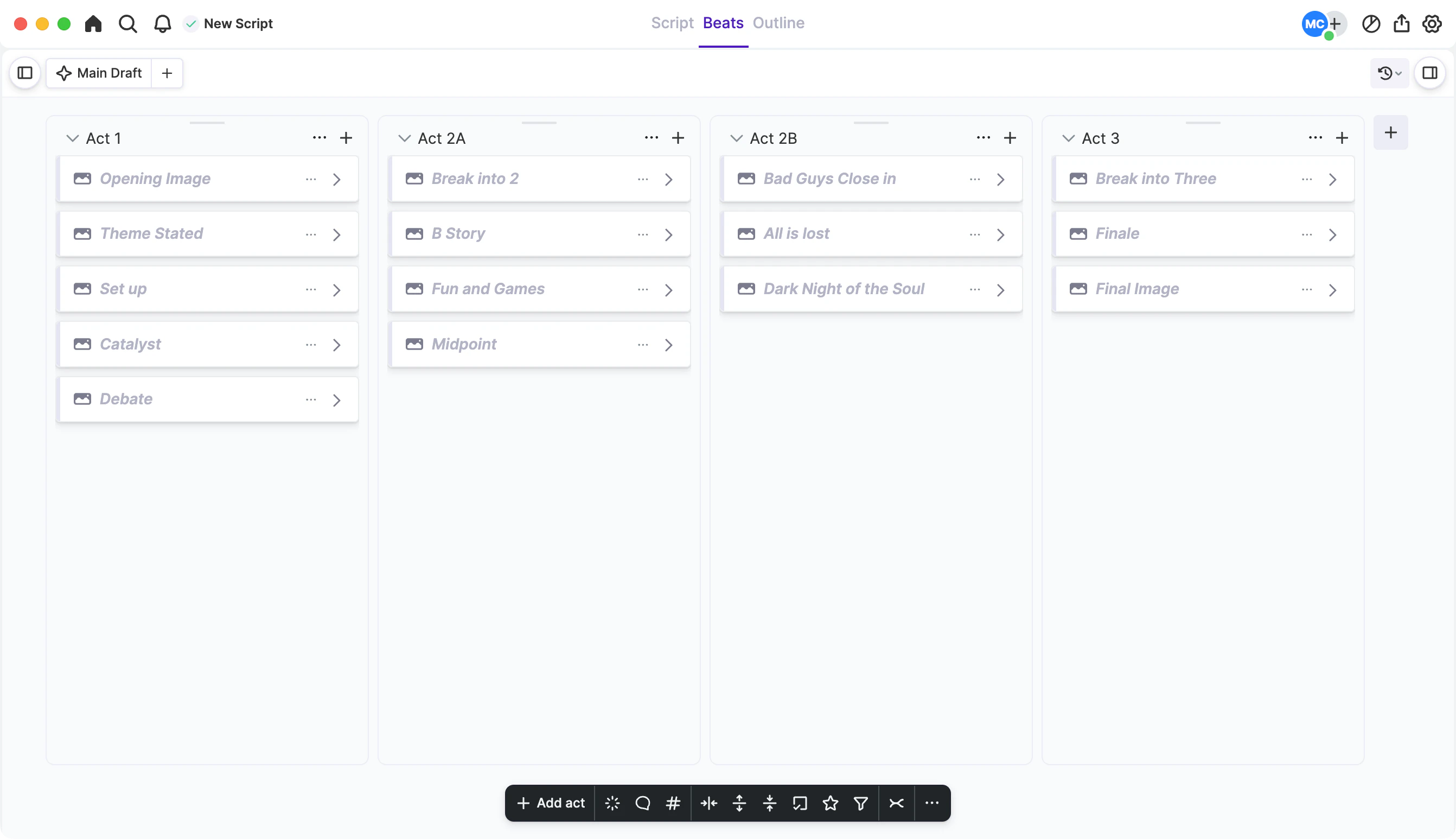
Build your outline
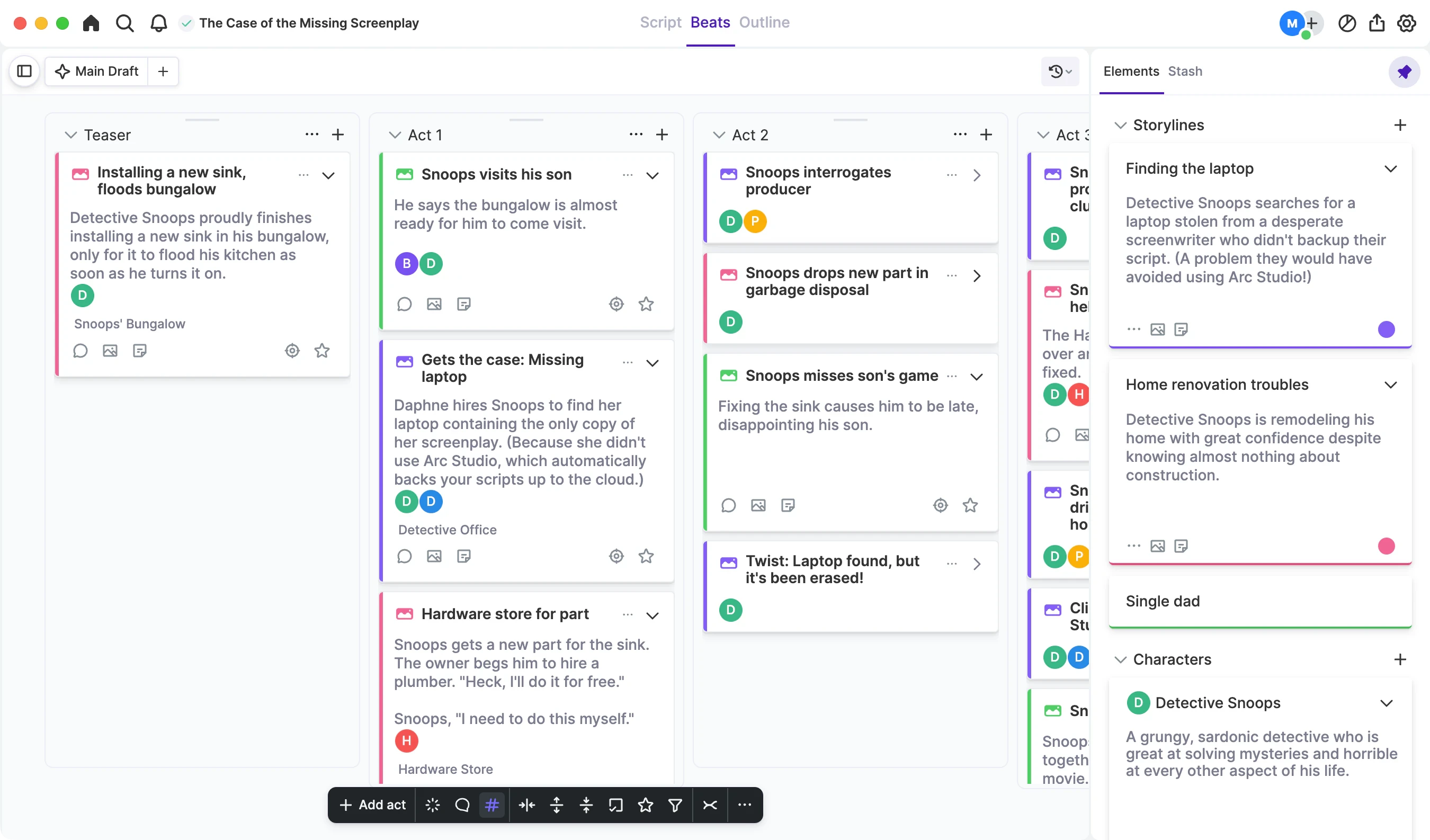
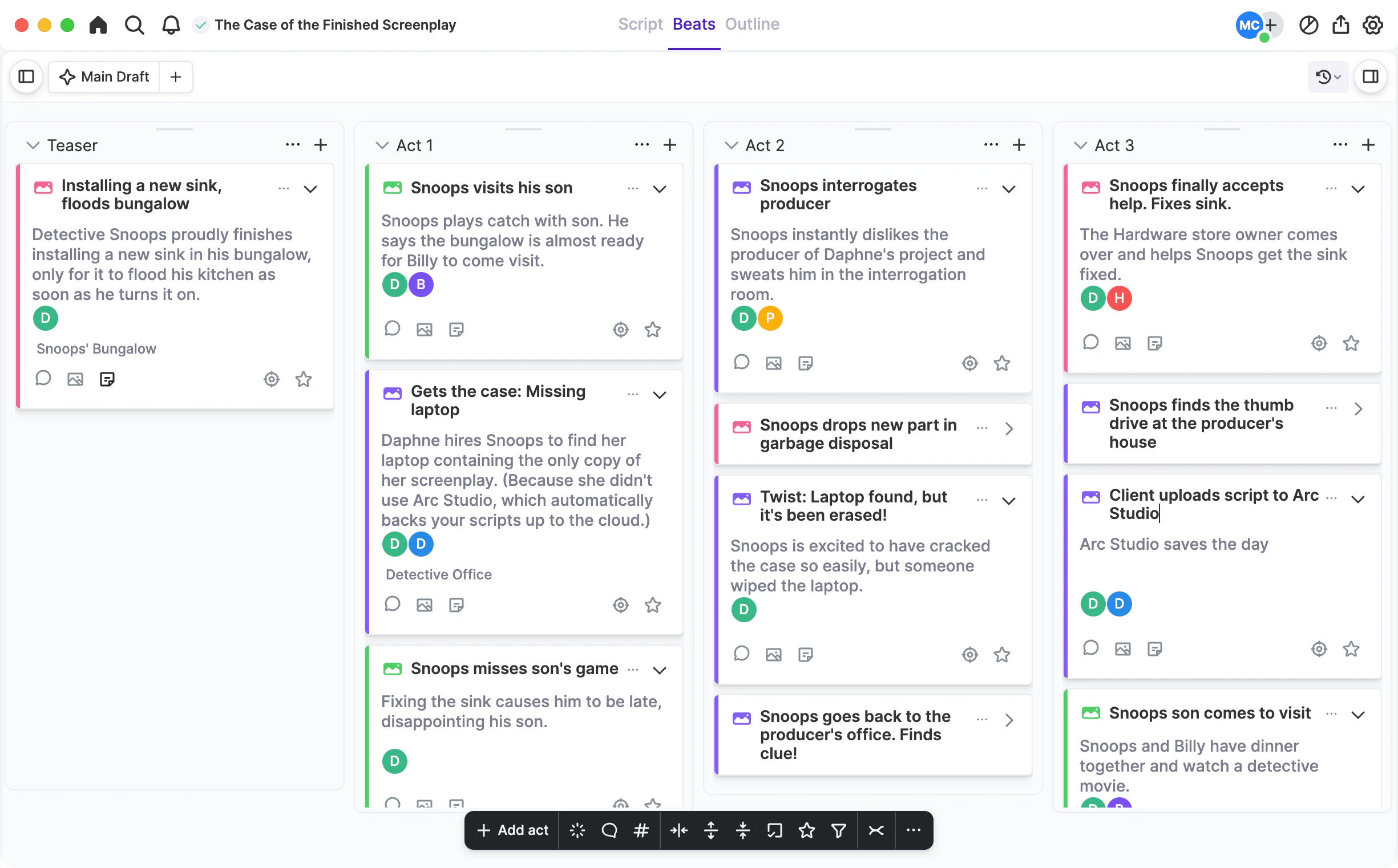
Create your outline with drag-and-drop story beats on the intuitive Plot Board.
Story structure
Outlining templates
Need some help with your story structure? Use an outlining template to get started and adapt it to your needs.
Story elements
Color-coded story tracking
Create color-coded storyline, character, and location elements, and tag your beats with them to get a visual overview of your story.
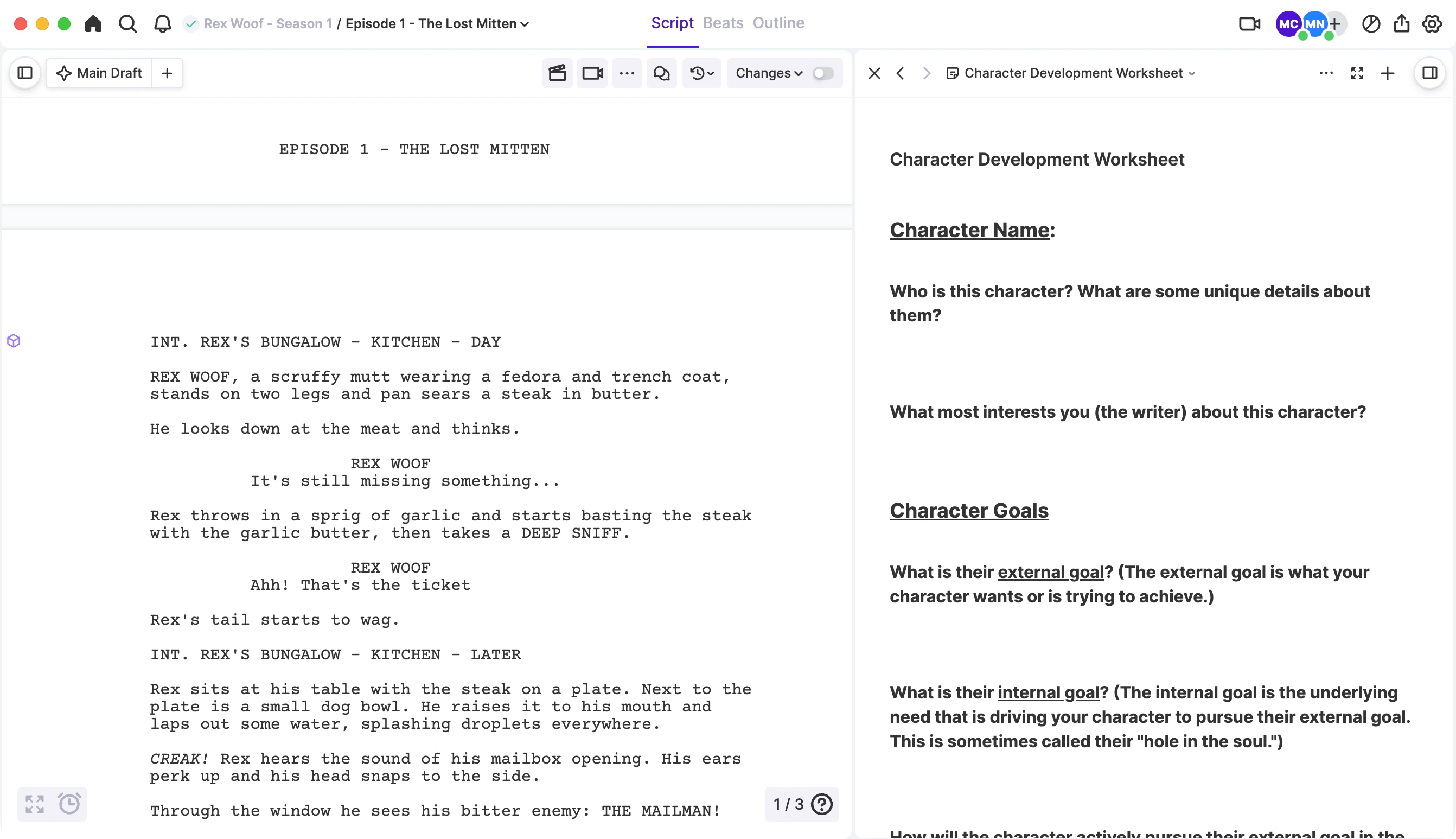
Story and notes referencing
See your outline and notes as you write
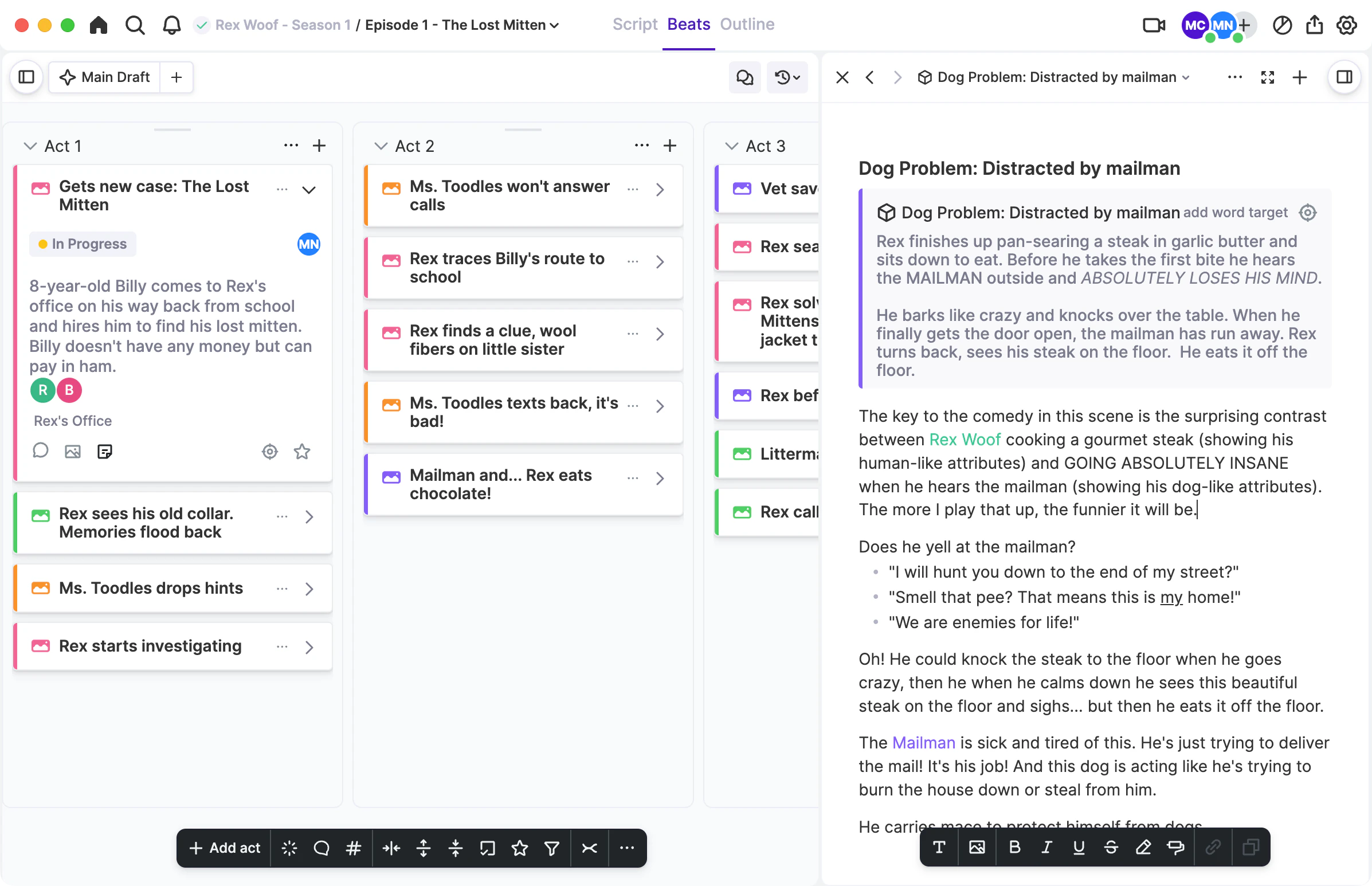
When you’re ready to write your scenes, you can reference your outline and your notes side-by-side with the script.
Season outlines
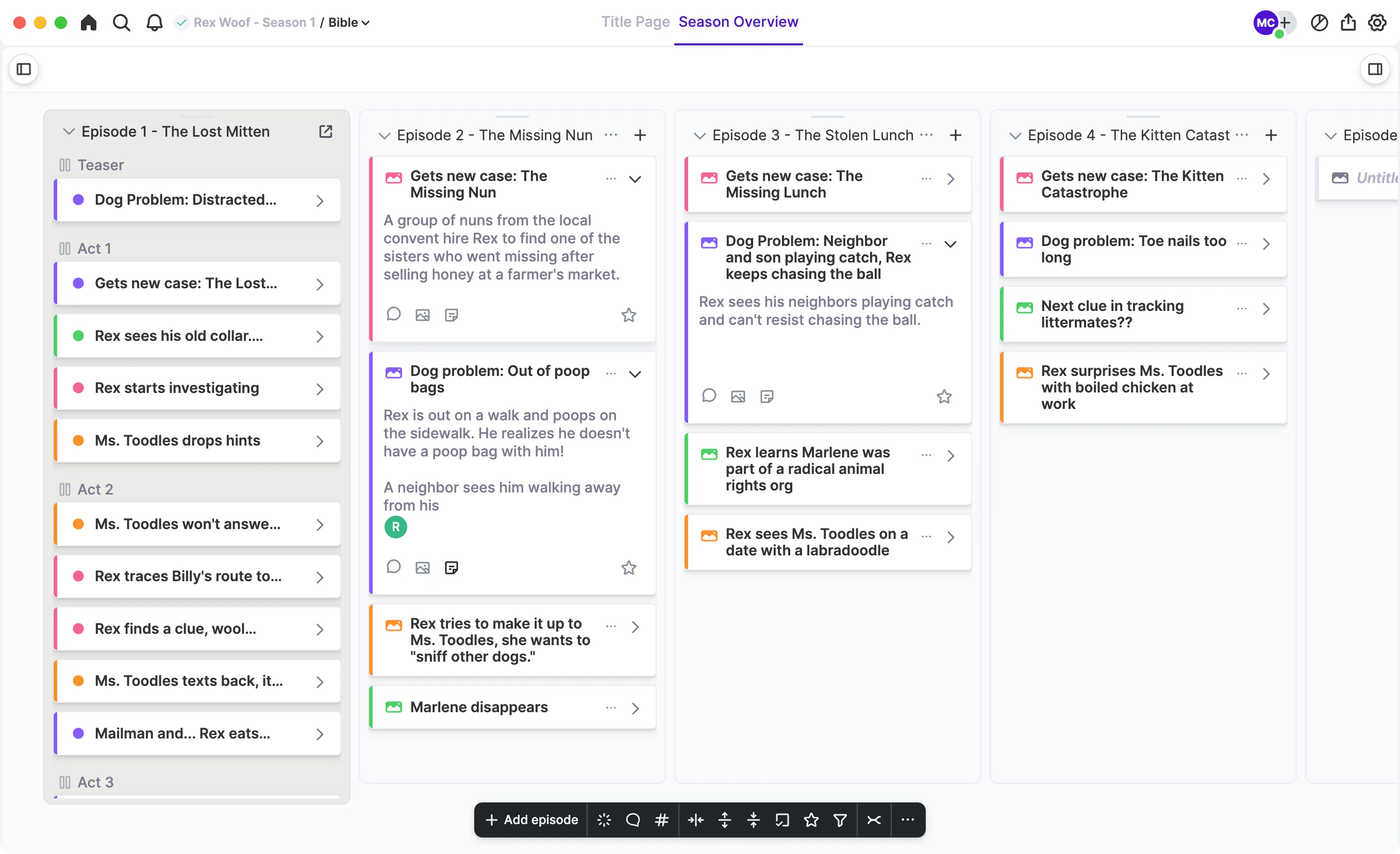
Outline entire seasons
Break the story for an entire season, then turn each episode into its own script.